TouchCompanion
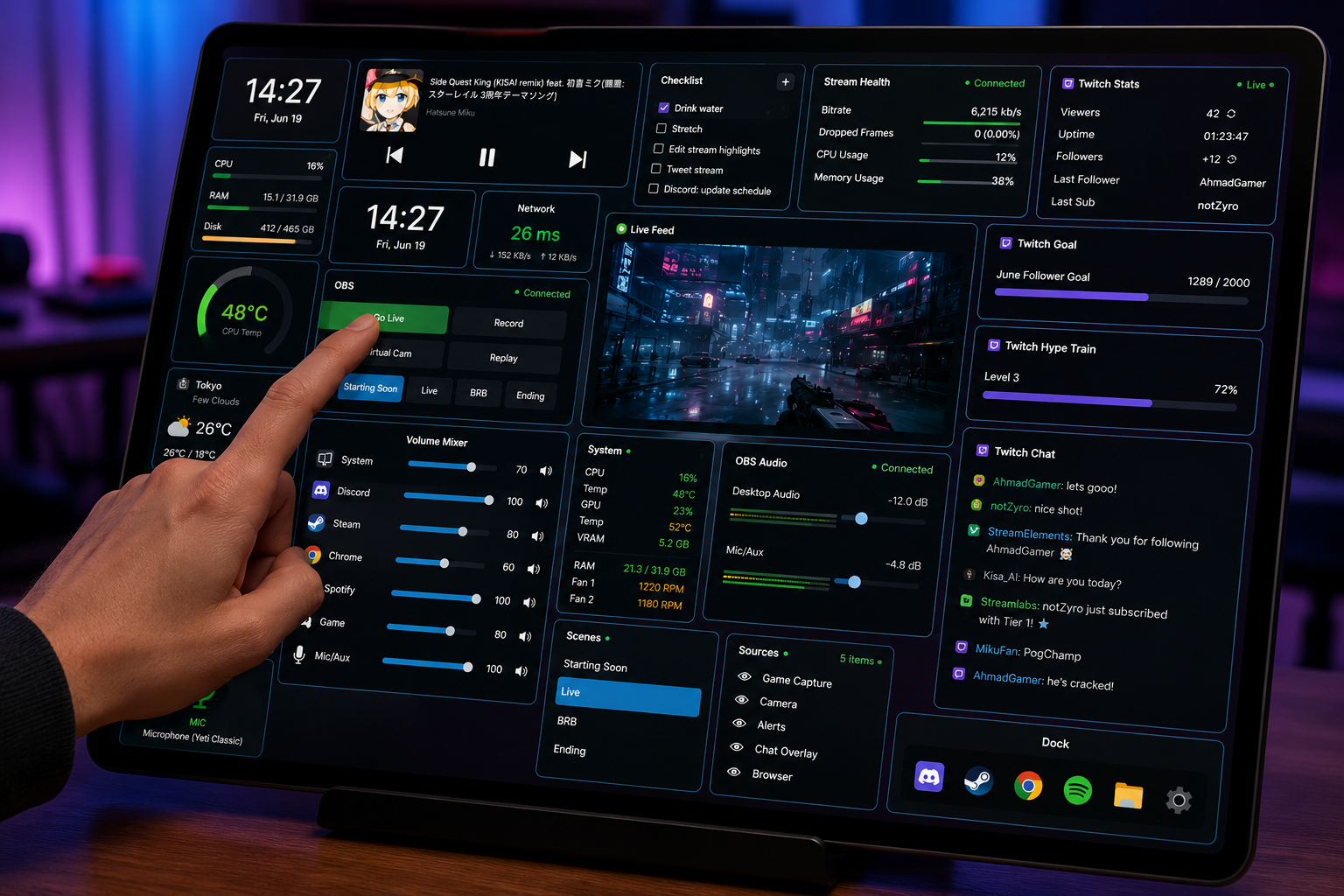
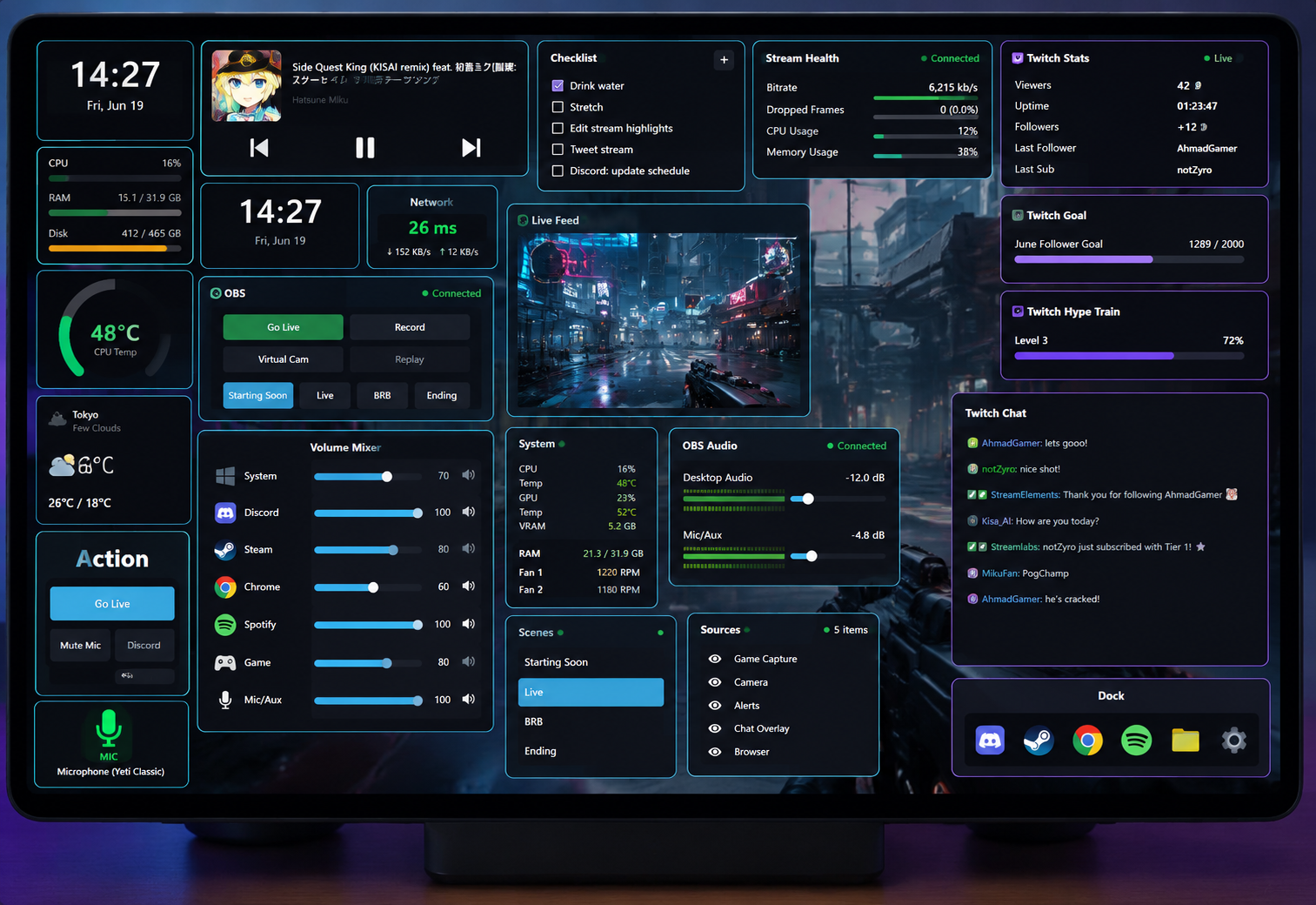
Turn a spare touch screen into a customizable control surface. Media, sensors, hotkeys, macros, OBS and Twitch, all without alt-tabbing out of your game.
Focused Windows apps for gamers, streamers, and power users, made by one person who uses them every day.
Widgets, sensors, macros, OBS and Twitch — each one a node on a single live surface. Tap a tile and the signal travels instantly, so your whole setup responds as one. This is what TouchCompanion feels like in motion.
Each tool stays small, fast, and respectful of your machine. No account needed to use the app; an account is required to download and license it. No telemetry you did not ask for.
Turn a spare touch screen into a customizable control surface. Media, sensors, hotkeys, macros, OBS and Twitch, all without alt-tabbing out of your game.
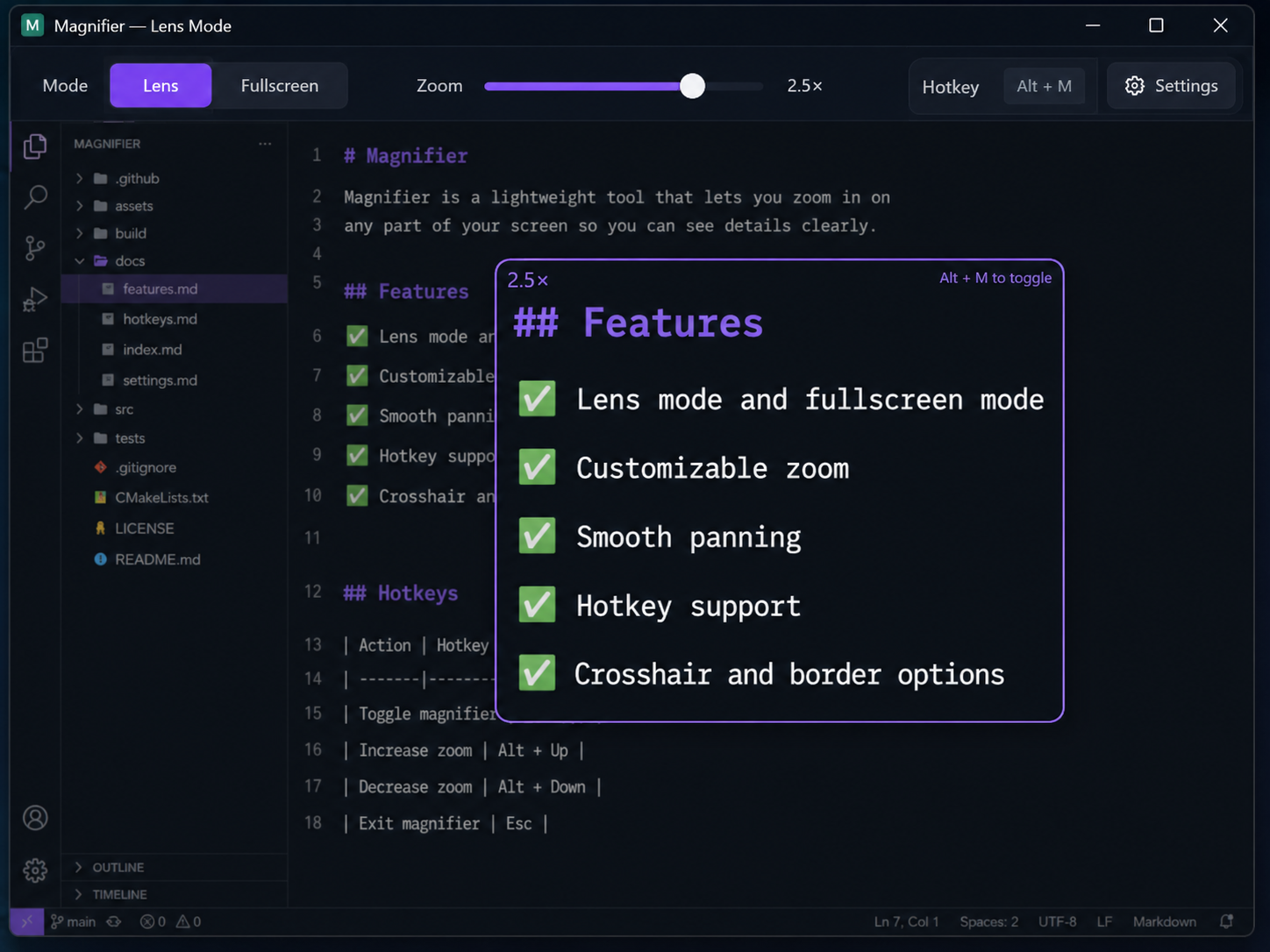
A faster, friendlier screen magnifier for detail work and accessibility. Low latency and a calm, precise feel — free to use, with a Pro tier adding colour & contrast filters, colour-blind correction, and a cursor crosshair.
AMSA tools is a one-person studio. That means software with a point of view: small surface area, fast iteration, and a real human reading your feedback.
Real desktop apps, not web wrappers. They start quickly and stay light on resources.
Every feature exists because it solved a problem I actually hit while gaming or streaming.
Your data stays on your machine. Accounts gate downloads and licensing, nothing more.
Accounts are how you download and license the apps. Access is granted per product, so you only get what you need.